Gameplay in Rust
Scripts are plain Rust structs with a familiar lifecycle: on_start, on_update, on_fixed_update. No VM, no bindings.

A game engine with a familiar editor workflow and a modern renderer, where gameplay code is just Rust.
From project creation to a hardened release build — without leaving the engine.
Scripts are plain Rust structs with a familiar lifecycle: on_start, on_update, on_fixed_update. No VM, no bindings.
The engine and every system in it are optimized end to end: GPU-driven culling, LOD and HLOD, clustered rendering, instancing and a sparse-set ECS.
Your game ships in an encrypted content.vpak: ChaCha20-Poly1305 on every file, a unique key for every build, shaders included.
A store of plugins for developers: extend the editor and runtime in a few clicks, or publish your own with the Plugin SDK.
wgpu-based PBR with virtual shadow maps, TSR, global illumination, reflection captures, decals and a node material graph.
AI Bridge is built into the editor: AI agents inspect, edit and build worlds, and every new editor feature comes with bridge commands.
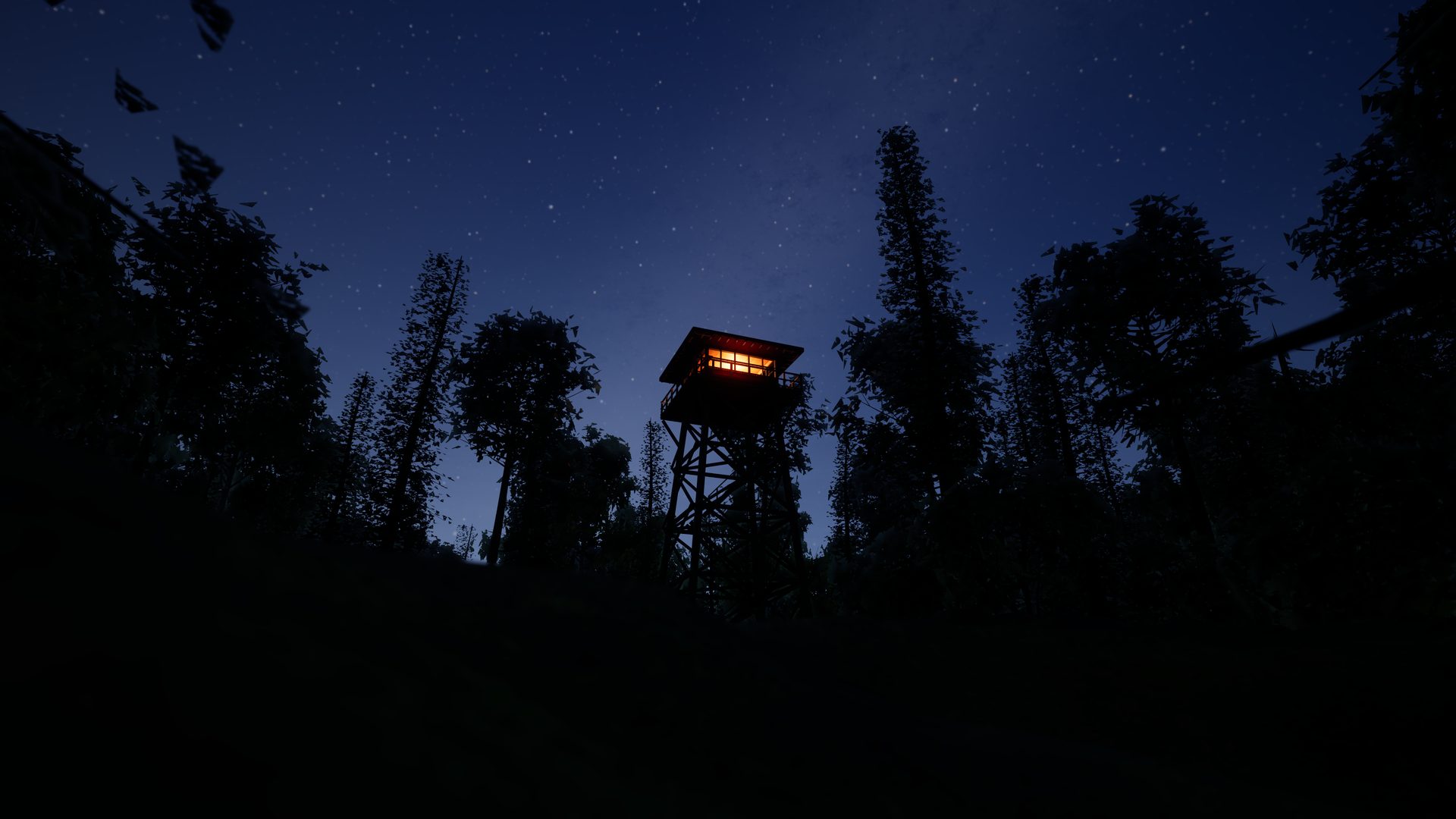
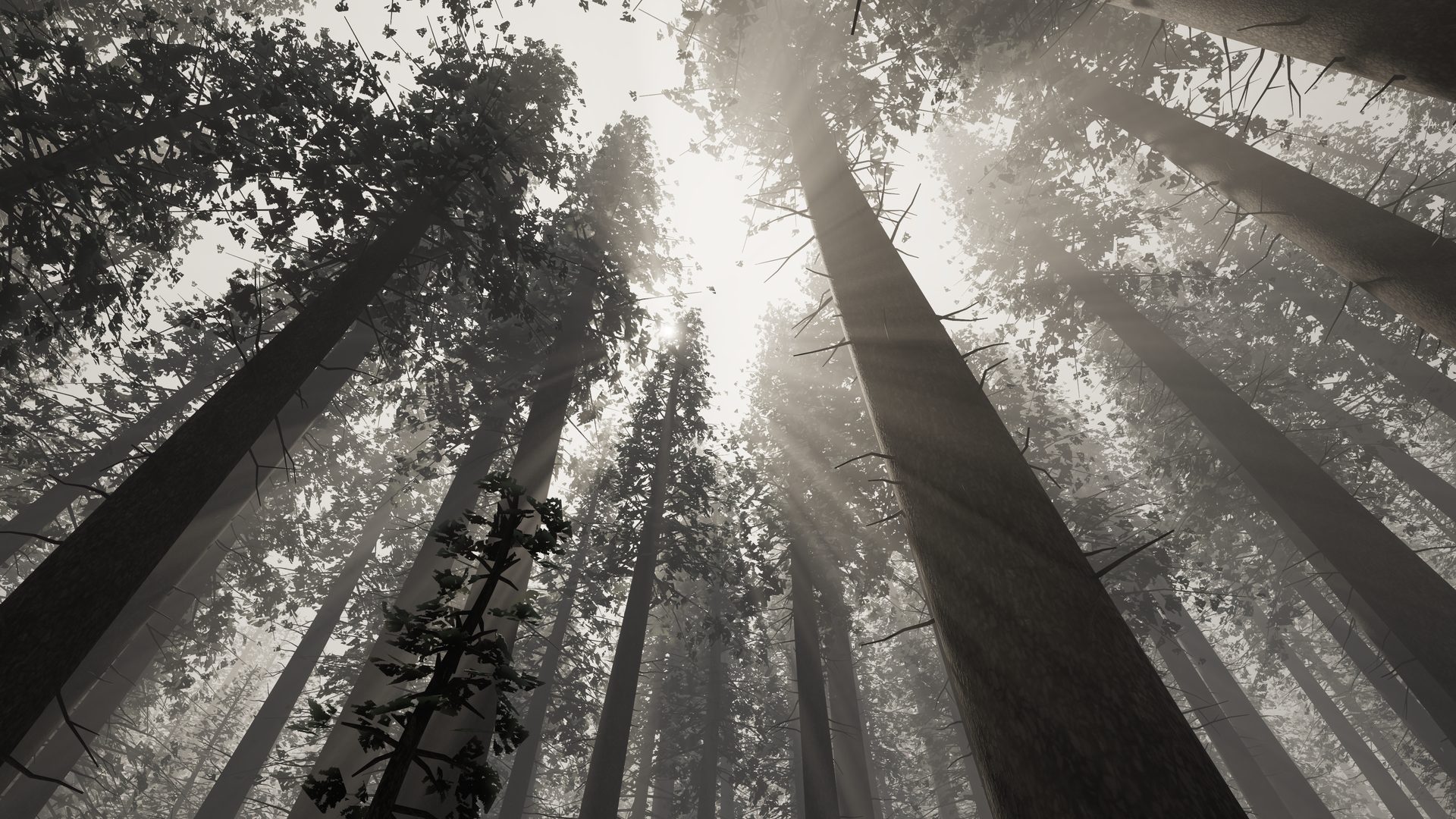
Every scene below was crafted and rendered in VLEngine 27.
If you have used Unity or Unreal, you already know how VLEngine works.
Pick a template, choose the engine version and open the project.
Worlds, prefabs, materials and two side-by-side Content Browsers.
Your Rust scripts compile and run right inside the viewport.

Hub, editor and player for Windows, macOS and Linux. Ship your games royalty-free.